Instant Access
Your full balance, active bonuses, and 4,700+ games - including live Evolution Gaming tables and the sportsbook - load the moment you sign in.
Log In to God of Coins
Your pokies, live dealer tables, and sportsbook are one login away. Access your full account on desktop or mobile browser in seconds.
Keep Your Account Secure
What You Should Do
What You Should Avoid
What Logging In Gets You
Instant Access
Your full balance, active bonuses, and 4,700+ games - including live Evolution Gaming tables and the sportsbook - load the moment you sign in.
Encrypted Sessions
Every login is protected by TLS 1.2 with AES_128_GCM ciphering. Your credentials travel over an encrypted channel from device to server.
Works on Any Device
God of Coins is fully optimised for Safari on iOS and Chrome on Android. No app download is needed - just open your browser and log in.
Logging in to God of Coins is the same process whether you are on a desktop browser or a mobile device - your email address and password unlock the complete platform, including your balance, bonus wallet, and the full game library. There is no separate mobile login or alternate credential set.
Navigate to godofcoinspokies.com and click the Login button in the top-right corner of the page. Enter the email address linked to your account followed by your password, then click Sign In. Your lobby loads immediately, showing your balance, any active bonuses, and the full catalogue of pokies and live dealer tables.
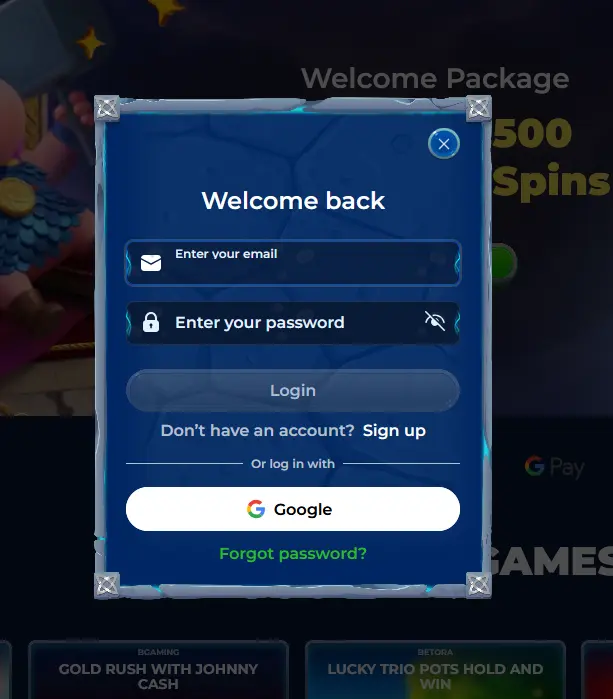
Open Safari on iOS or Chrome on Android and go to godofcoinspokies.com. The site detects your screen size automatically and loads the mobile-optimised layout. Tap Login, enter your credentials, and confirm. The mobile version gives you access to the same account, balance, and game selection as the desktop version, with no features removed.
If you previously added a PWA shortcut to your home screen, tap it to open directly into the God of Coins lobby. The shortcut bypasses the browser address bar and loads the site in a dedicated window. Your login session may persist between visits, depending on your device settings, but logging out manually after each session is recommended on shared devices.
Most login issues fall into one of three categories: an incorrect email address, a forgotten or mistyped password, or a temporary account lock triggered by repeated failed attempts.
If your credentials are not working, first confirm you are using the email address that was registered with us - a common mix-up occurs when players have multiple email accounts. If the email is correct but the password is not working, use the Forgot Password link on the login page. A reset email will arrive within a few minutes.
A temporary lock is applied automatically after several consecutive failed login attempts as a fraud-prevention measure. If this has occurred, the password reset function will also restore access, or you can contact our 24/7 live chat team at [email protected] for identity verification and manual unlock.
All login sessions at God of Coins operate over TLS 1.2 encryption with ECDHE_RSA X25519 key exchange and AES_128_GCM ciphering, meaning your password is never transmitted in plaintext. Our servers do not store passwords in a readable format.
For your own protection, use a password that is unique to God of Coins and that you have not used on other services. Avoiding saved passwords on shared or public machines is especially important. Always confirm you are on godofcoinspokies.com before entering any credentials - phishing sites often use similar-looking domain names.
Registration at God of Coins requires only an email address and a chosen password. No email verification is needed at sign-up, so you can log in and start playing within moments of registering. Once your first withdrawal is requested, KYC verification will be required, which involves submitting a government-issued ID and proof of address. Completing KYC early avoids any delay when you are ready to cash out.
Login Questions Answered
Click the password reset link on the login screen and enter your registered email address. A reset link will arrive in your inbox within a few minutes, allowing you to set a new password immediately.
Yes. God of Coins runs on an HTML5 mobile browser platform optimised for Safari on iOS and Chrome on Android. You can also add a PWA shortcut to your home screen so the site opens like a native app without visiting an app store.
Repeated incorrect password entries trigger an automatic security lock to protect your account from unauthorised access. Use the password reset function or contact our 24/7 live chat to verify your identity and restore access.
Ready to Play? Log In Now
Grab 255% up to $450 and 250 free spins.
Enter the Casino Play responsibly. Available to players 18 years and older only. Full bonus terms apply.